Product tutorials
Create a direct booking
4:26 · EnglishCreate a reservation and choose the correct payment workflow.
- Select the guest, dates, room, rate plan, and booking channel.
- Choose Already Paid for money collected directly by the hotel, or Send Payment Link for a payment request.
- Review the reservation and its payment status after saving.
Choose a tutorial
10 lessons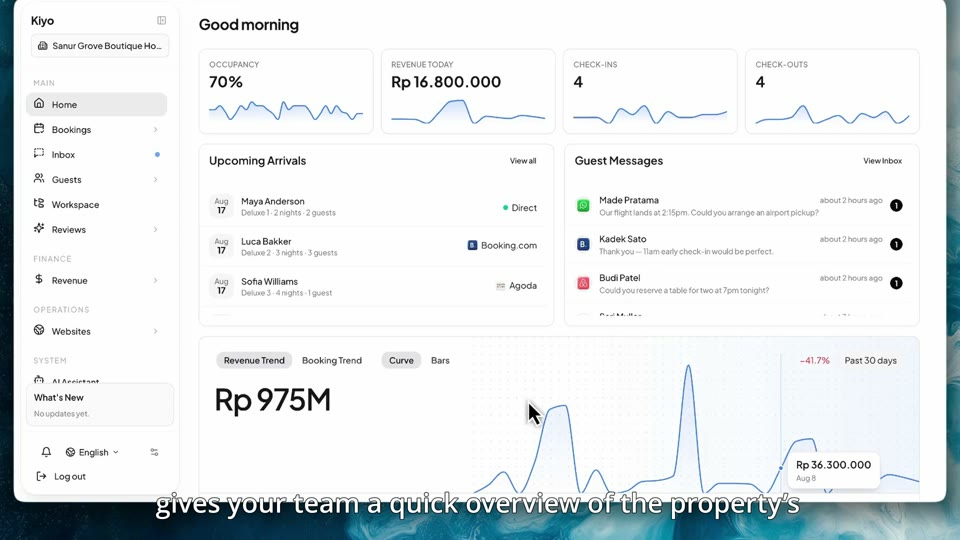
Home dashboard
Start the day with an overview of your property's activity and performance.
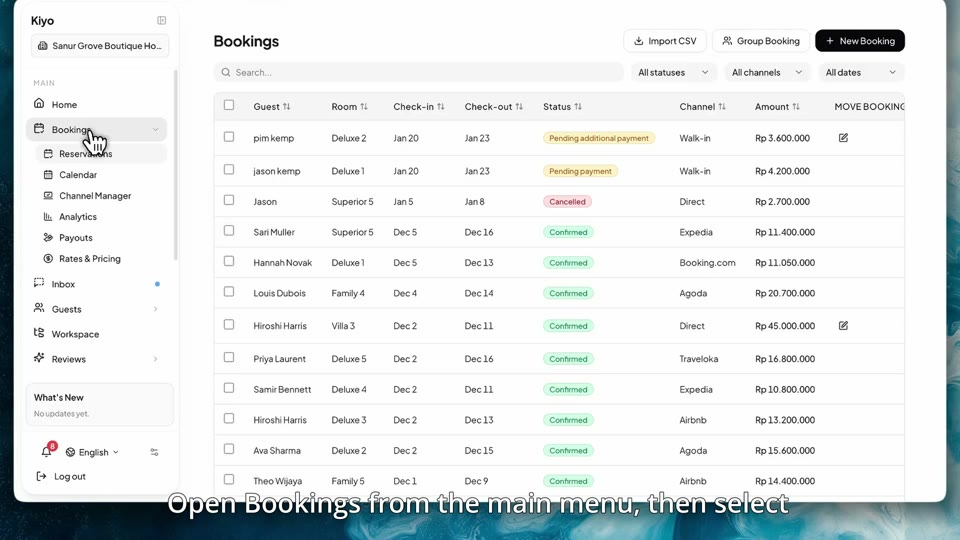
Booking calendar
See room availability and reservations in the booking calendar.
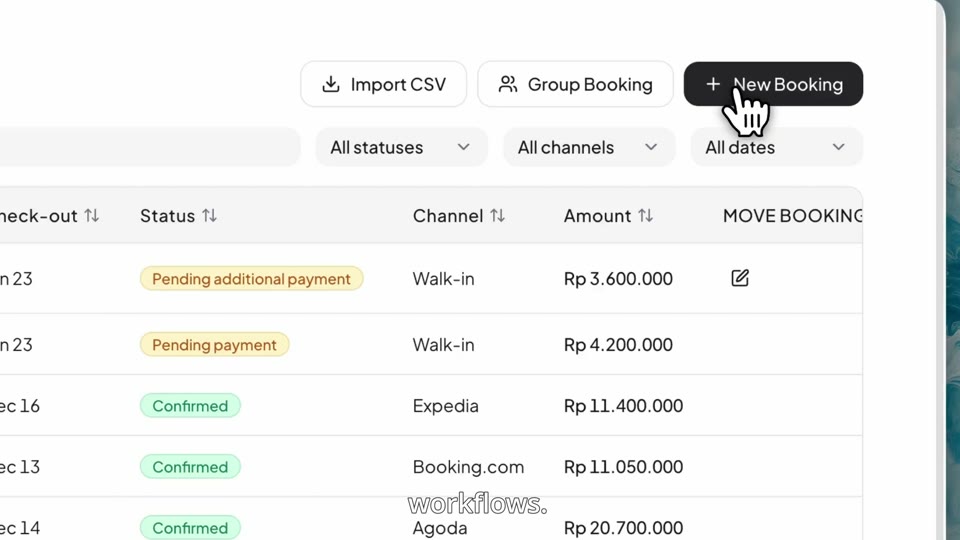
Create a direct booking
Create a reservation and choose the correct payment workflow.
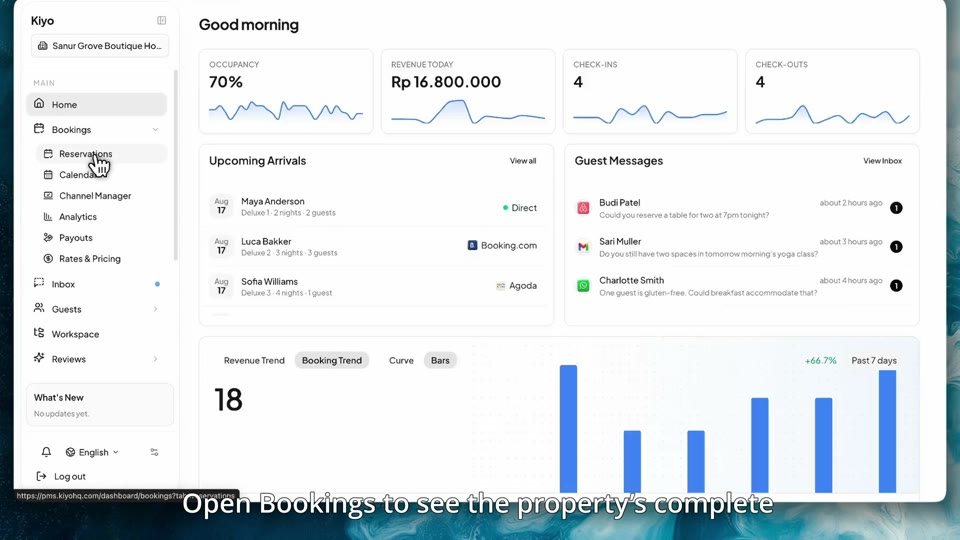
Manage reservations
Find a reservation, review the details, and manage the guest's stay.
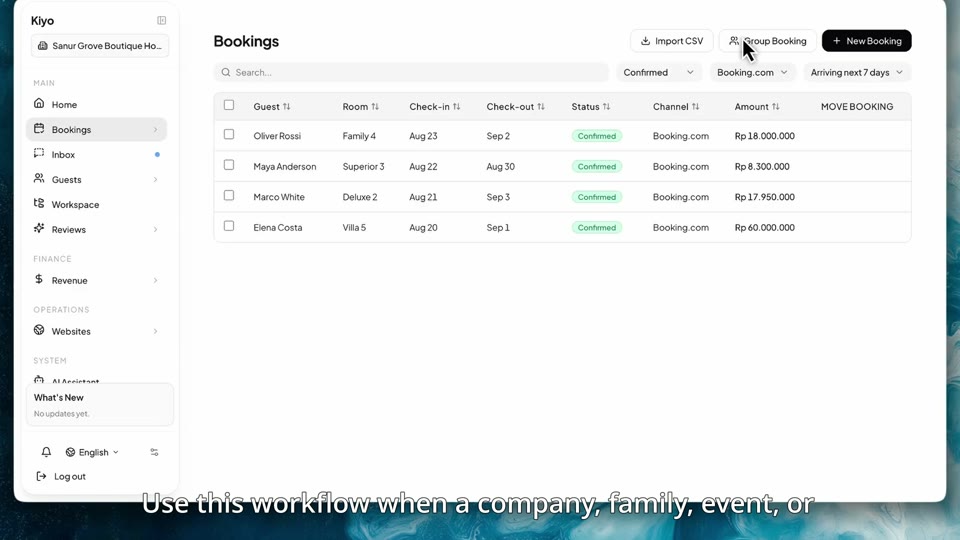
Group bookings
Create and manage a reservation covering multiple rooms.
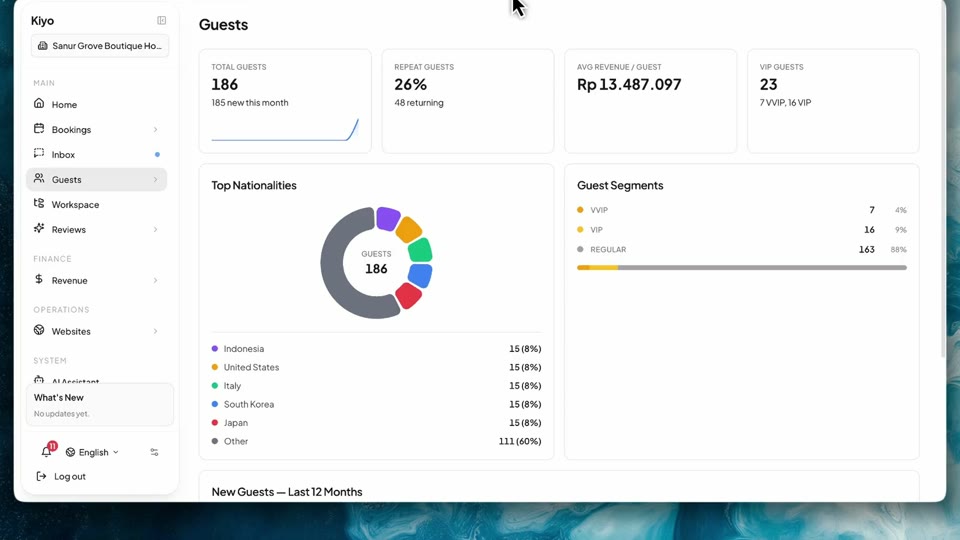
Guests and email templates
Review guest information and prepare the emails your property sends.
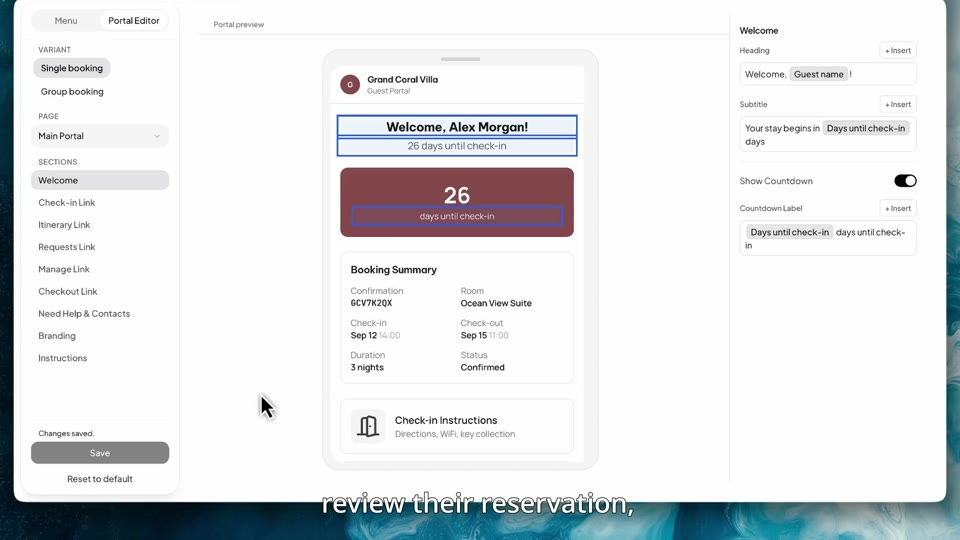
Guest portal
Prepare the information and services guests see before and during their stay.
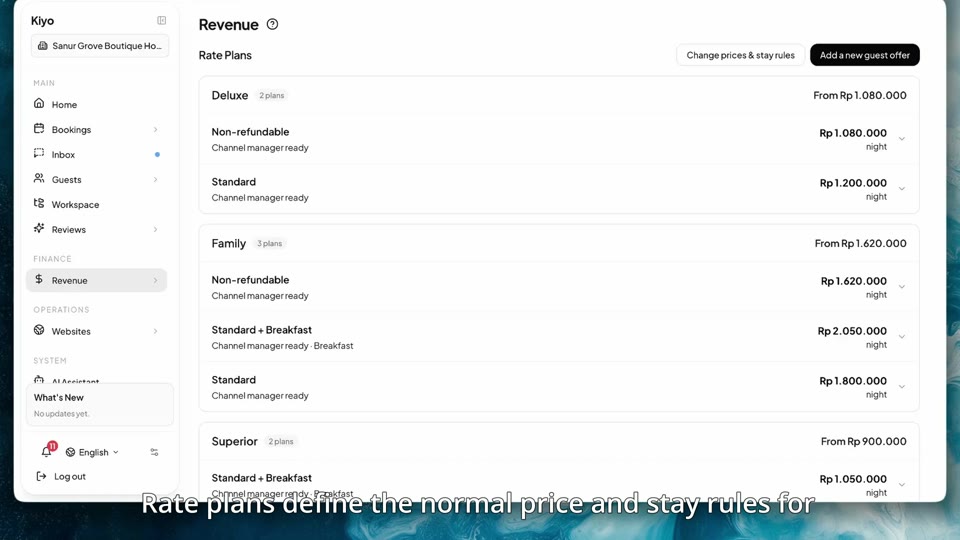
Rate plans and rate calendar
Manage room prices, date overrides, and stay restrictions.
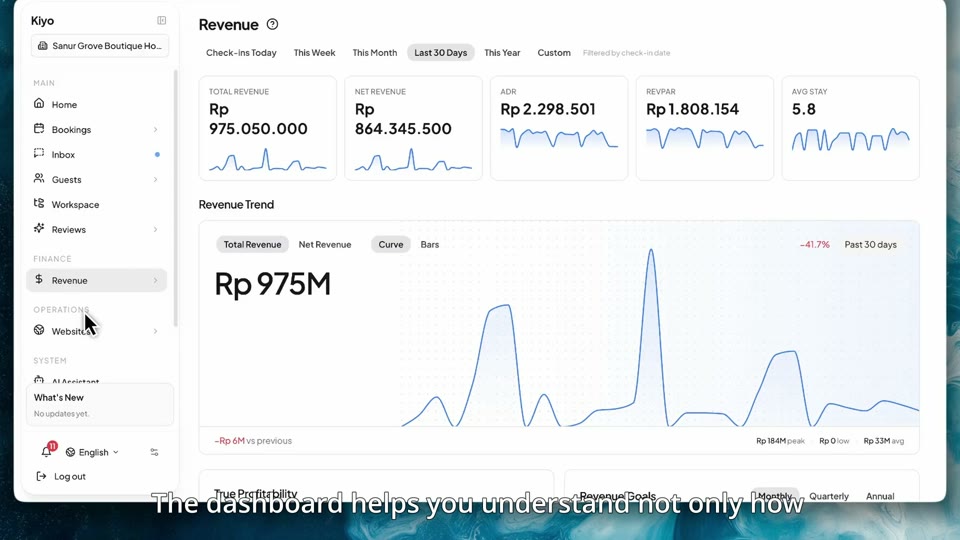
Revenue and commissions
Read revenue performance and check the channel commissions behind it.
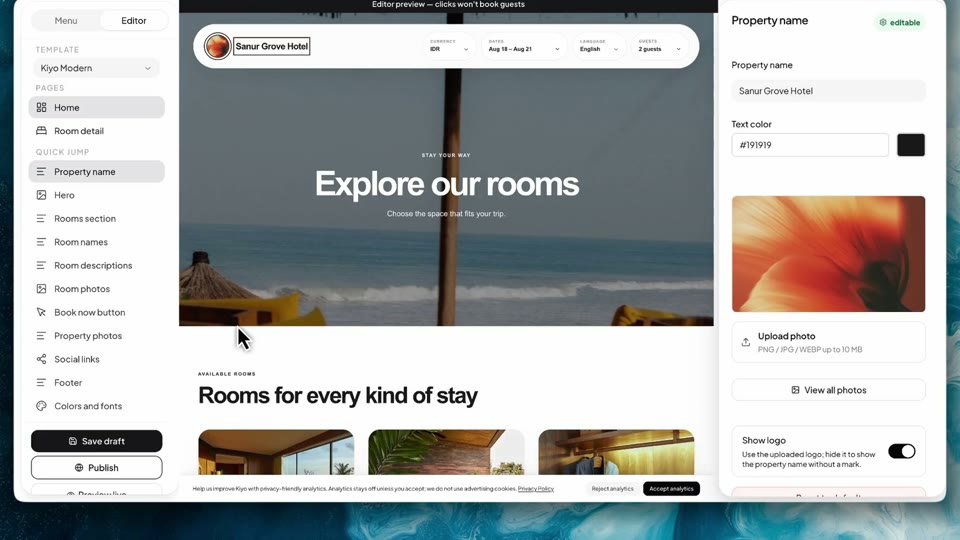
Website editor
Update your property's website content, preview a design, and publish changes.